
Acknowledging this post is not written or corrected with AI. Expect some grammar errors like you would normally here!
There is constant demand on getting secure access to your data from different sources to build agentic AI solutions. Just some months ago we were building MCP servers with SQL capabilities to run in a container/function or on a VM to be able to build that bridge to your Oracle database to leverage your data for agentic solutions.
Recently, Oracle introduced their native Oracle MCP Server running on OCI under OCI Database Tools. In this post, I’m going to set the service up, and demonstrate how you can then use Microsoft Foundry to access that data.
If you’re looking for part 2 of this post, it’s now here.
NOTE: I’ve edited the registered client part – there is no need to grant the application role to the client when using 3-legged OAuth, only the user itself needs the application role.
Setup
The MCP service documentation can be found here.
To setup the MCP Server we will need to have:
- Database (in our case Autonomous DB)
- Few OCI IAM policies
- OCI Vault to store DB connection secrets
- Database Tools private endpoint (since ADB is private!) and connection
- IAM Domain where we will create the MCP and security resources
- Object Storage bucket to store MCP server instance state files
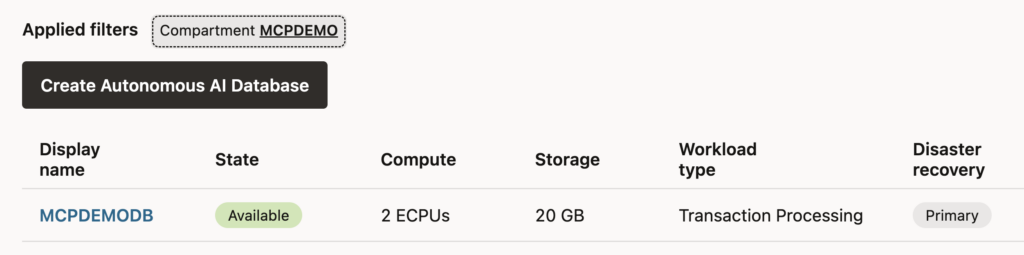
I’ve already created MCPDEMO DB which runs with only 2 ECPUs, it has user MCPDEMO_RO created with privilege only to read ACTIVITIES table. Table has my Garmin activity data from the past two years that we will then use together with Microsoft Foundry.
The policies I have are below ones, few for the dbtools service and then dynamic group for the MCP server so it can access resources we create.
Allow service dbtools to read secret-family in compartment MCPDEMO
Allow service dbtools to use virtual-network-family in compartment MCPDEMO
Allow dynamic-group mcpdemo-mcp-dg to manage objects in compartment MCPDEMO where target.bucket.name='mcpdemo-mcp'
Allow dynamic-group mcpdemo-mcp-dg to read secret-family in compartment MCPDEMO
Allow dynamic-group mcpdemo-mcp-dg to use database-tools-family in compartment MCPDEMO
Allow any-user to use database-tools-mcp-servers-invocation in compartment MCPDEMO
  where target.resource.id = 'ocid1.databasetoolsmcpserver.oc1.ca-toronto-1.myocid'
OCI Vault creation
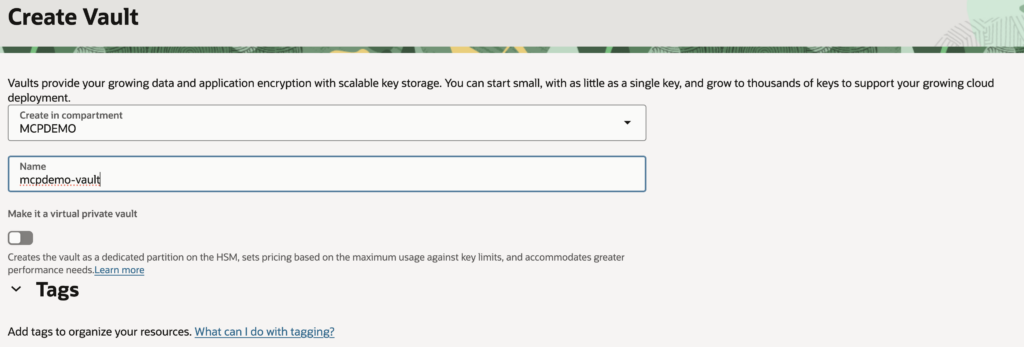
Next I need to create OCI Vault for the secrets. Basic stuff but just laying it out here:
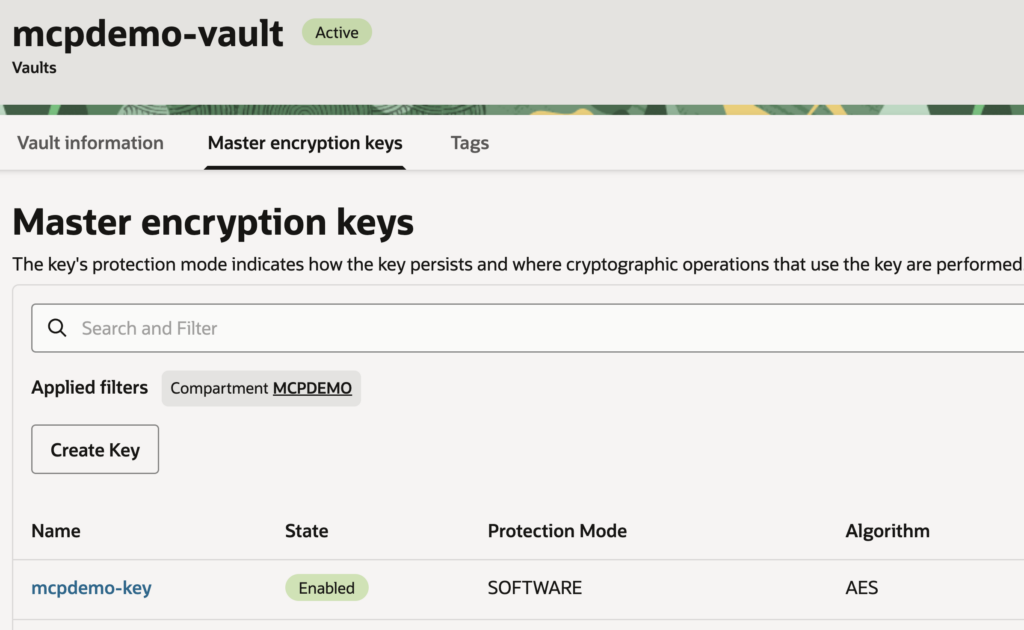
I also created two secrets, one for cwallet.sso due to using mTLS, the other is the password for the MCPDEMO_RO user.
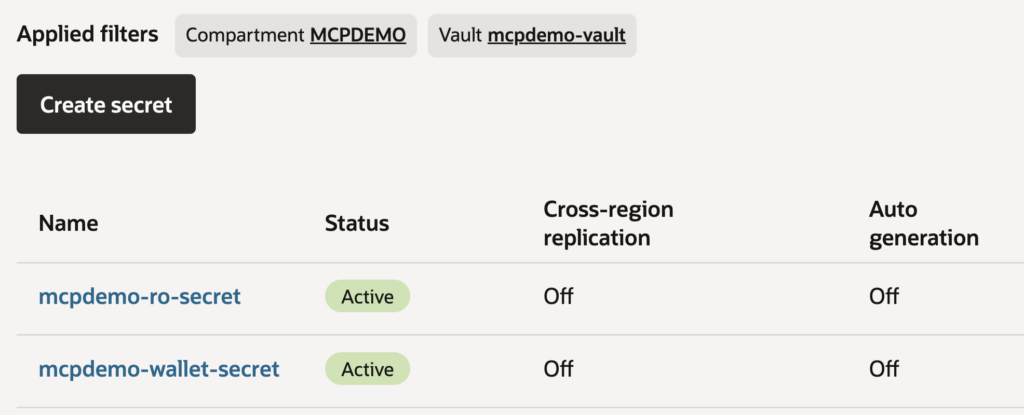
So that’s it for OCI Vault, now we can create Database Tools connection.
Database Tools connection
Next I created DB Tools private endpoint in the same VCN/subnet where I have provisioned Autonomous Database.
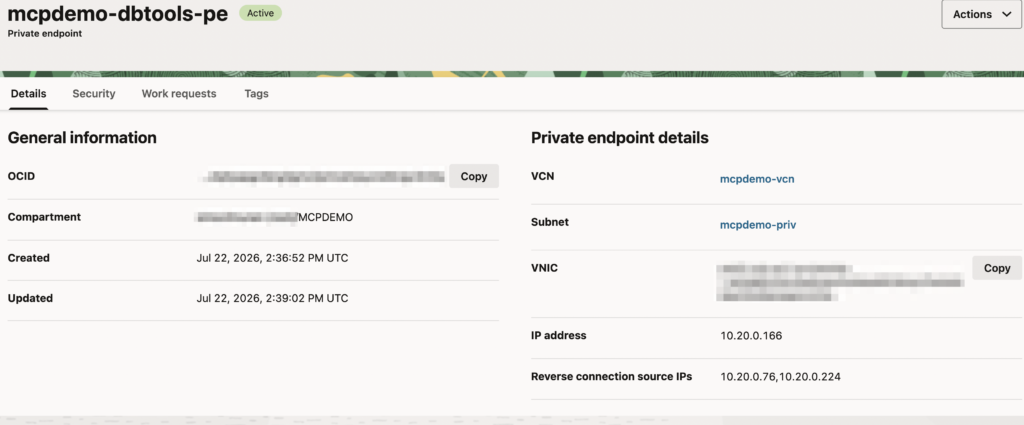
And after that I’m able to create the connection. Note some of the variables will point to resources we created.
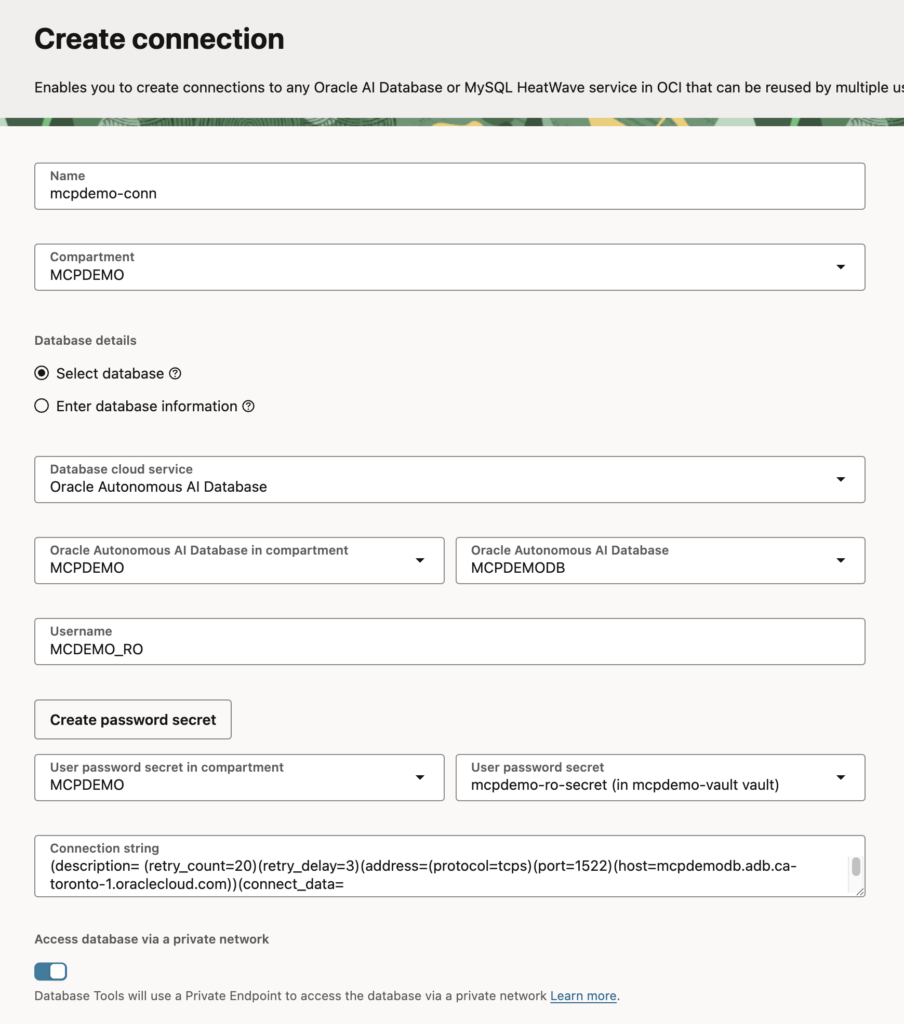
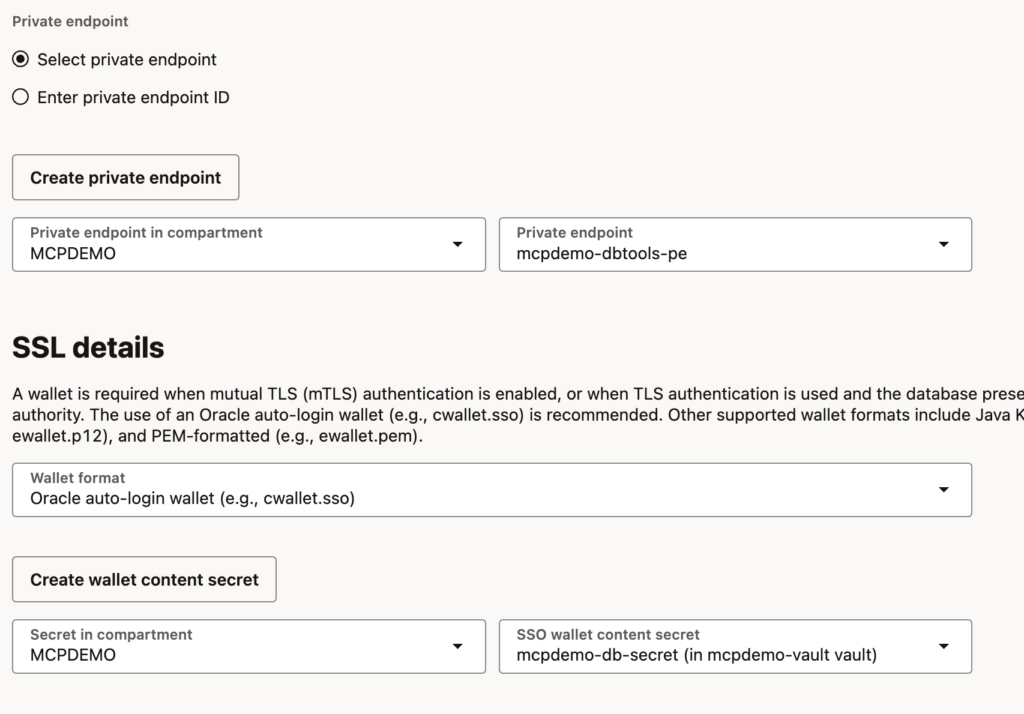
I also have IAM Domain (and you can just use Default for it). Ready to create MCP Server now!
MCP Server
Under developer services, you can create the MCP server which is really straightforward now.
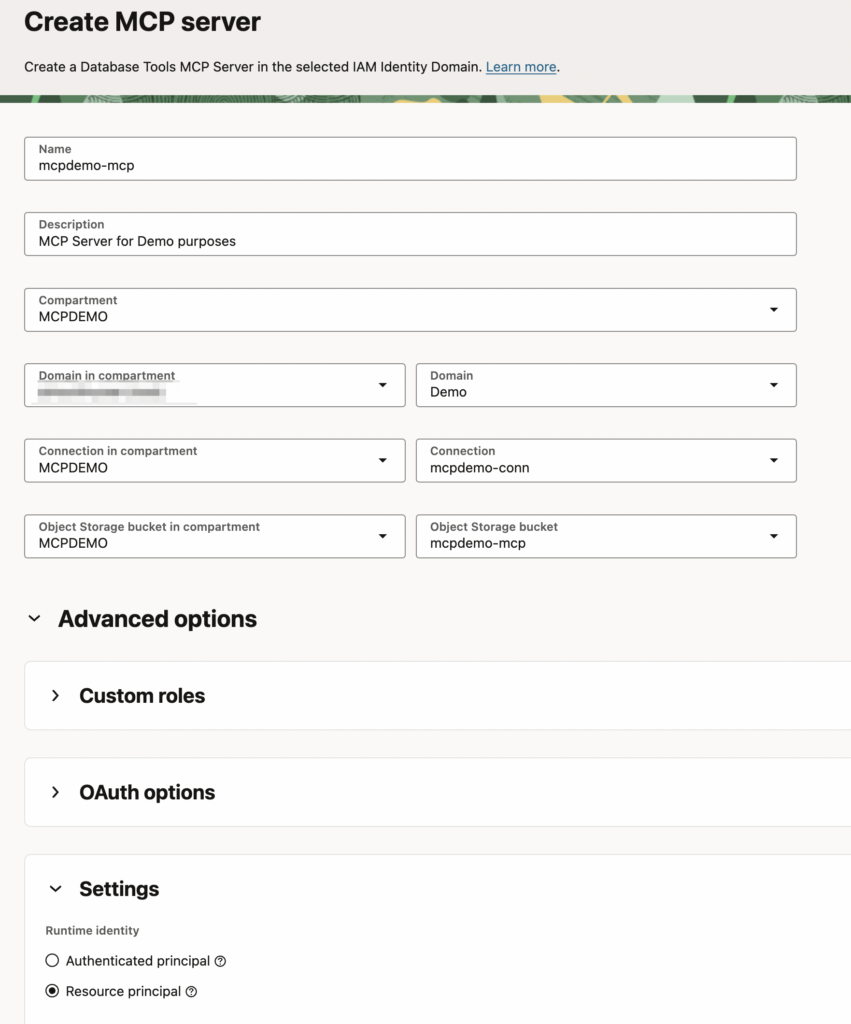
Thing worth mentioning here is the resource principal, we’re choosing to use servers own identity for authentication.
After a short period, the MCP server is available.
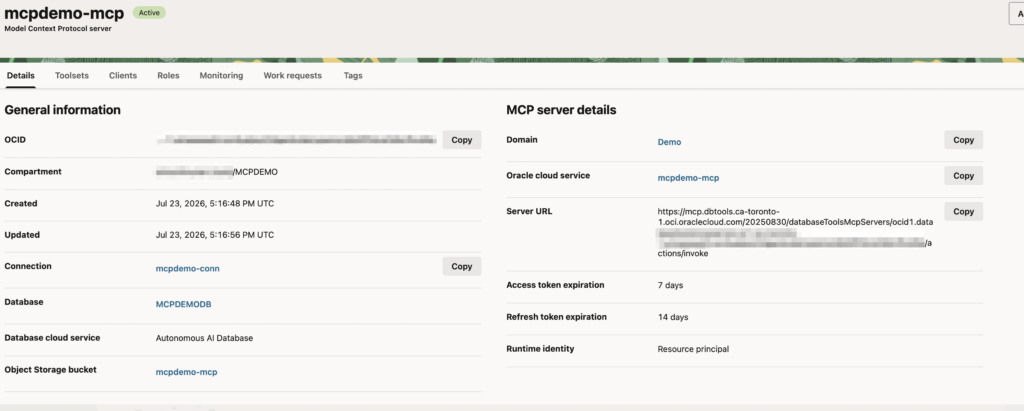
Worth noting is, when I go to Roles, three roles are there automatically; MCP_Administrator, MCP_Operator and MCP_User. If you remember from documentation, we can link these application roles to OCI IAM Groups so whichever user is in specific group, they will have access to that role.
Creating Toolset
Now we’ll create a toolset that allows us to run SQL statements. For this, I could use custom tools or just use built-in SQL tools which I’m going to use.
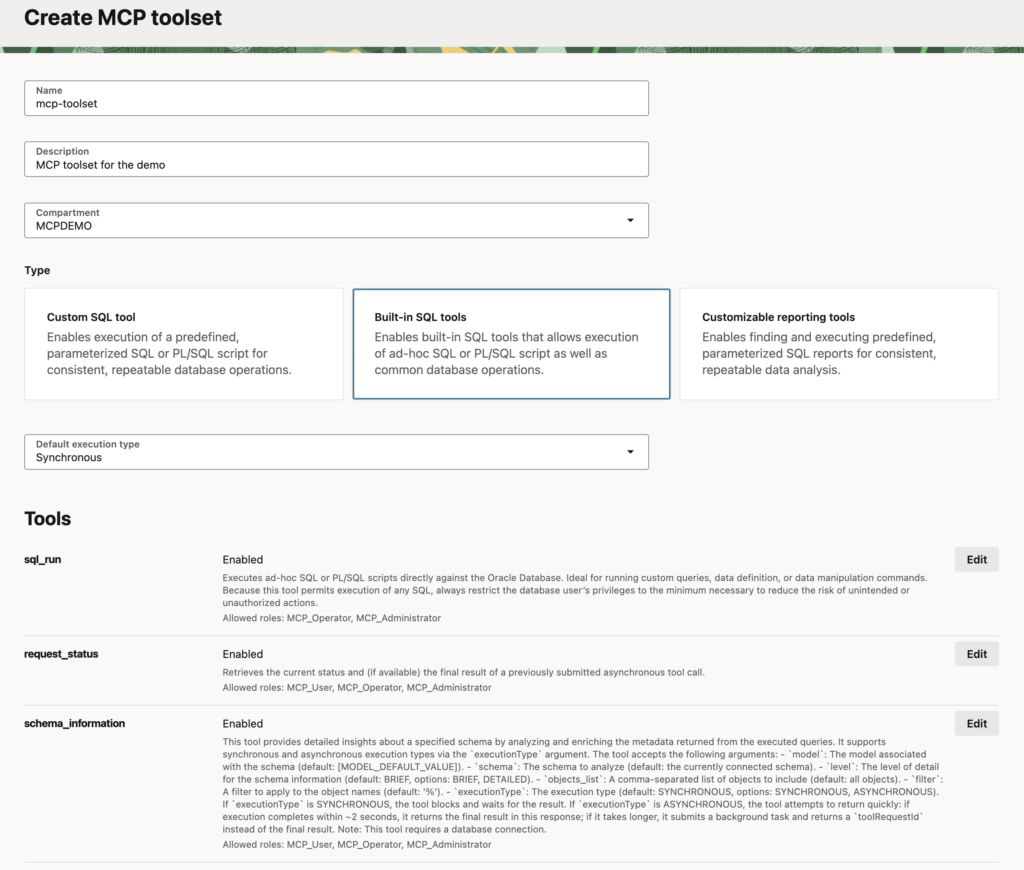
Registering client
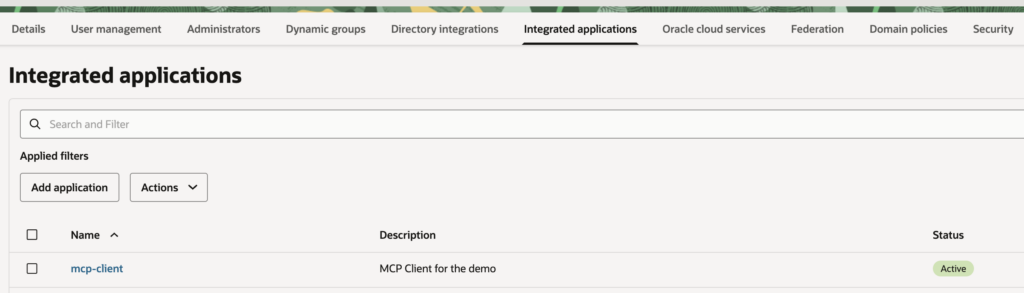
I still want to register a client, doing it will create confidential application in the IAM Domain that we can then use for OAuth with Foundry. That way Foundry authenticates to Confidential application via OAuth and the app has privileges to the MCP Server application in the Domain.
For now I’m just using the callback URL as localhost, once I configure Foundry side I will change this to point to Foundry. The nice thing configuring this confidential app is that you can do it from the MCP server pages itself! No need to navigate to IAM Domain (Which you could do as well..)
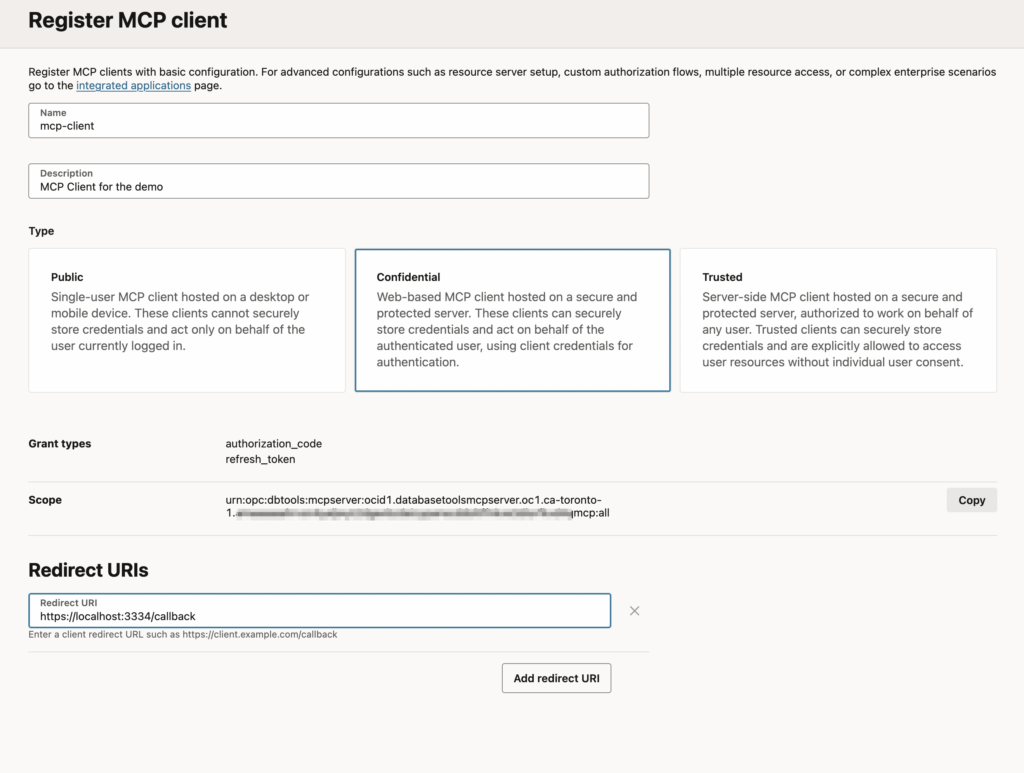
NOTE: Below you would only do when using two-legged OAuth and the client would be working as itself.
After registering client, we want to give our client application, role in the MCP Server application as MCP_User.
So, I’ll navigate to my IAM Domain which has the MCP Server application under Oracle cloud services, then go to Application Roles.
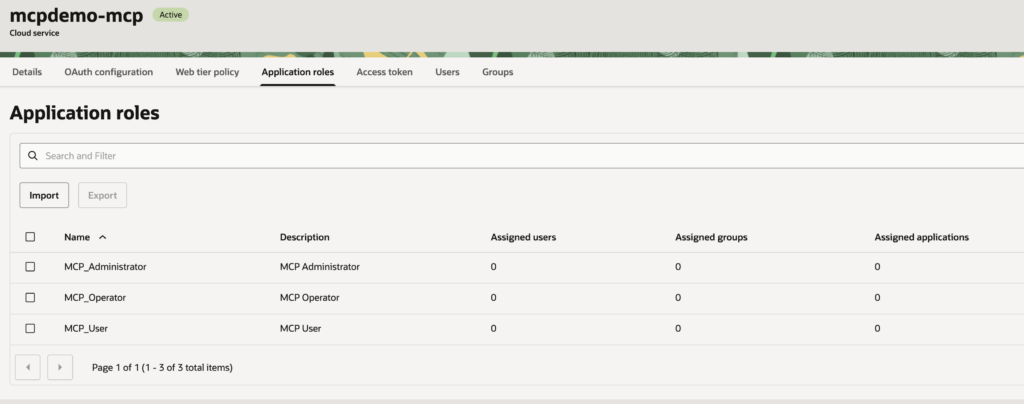
I click three dots on the right for MCP_User and assign applications.
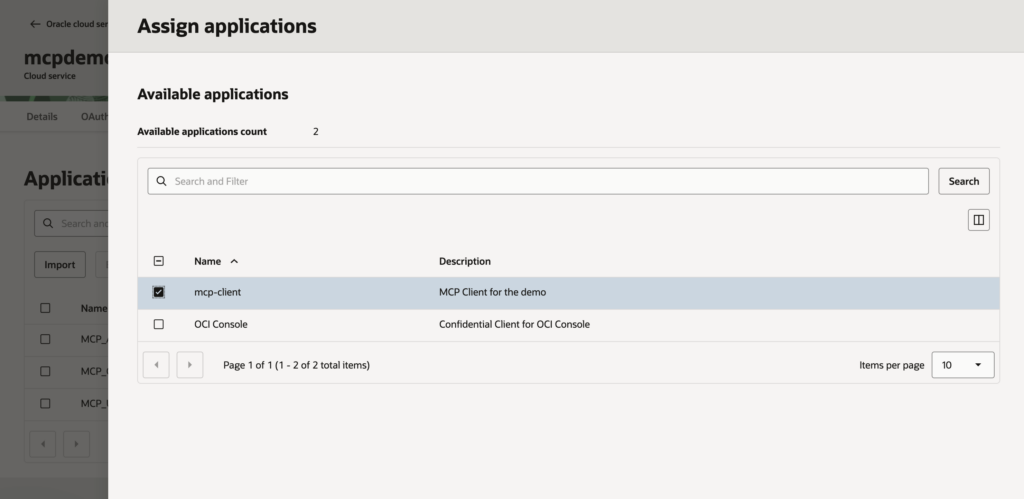
After this, I’m done and my client application has role towards the MCP Server!
Summary
That’s it for part 1. We went through the creation of the MCP Server and pre-requisites and are pretty much ready to configure our Microsoft Foundry agent to access our Oracle Autonomous AI Database.
In this example my database is running on OCI but this really works to any multicloud database as well. If your database would be running in Azure, you would do exactly same configuration.
Oracle has done great job on making MCP server as a service that you can deploy and have it managed on the background!